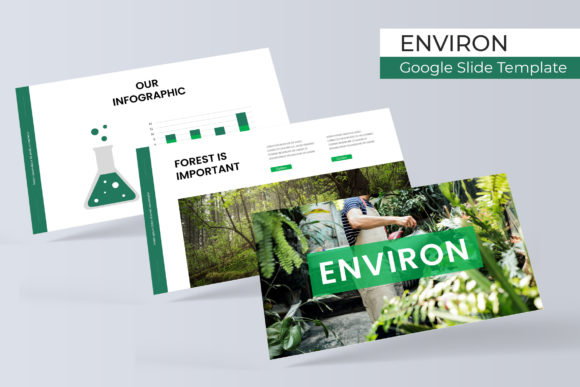
Environ Google Slide Template
The Environ Google Slide Template is a versatile and professional presentation tool designed to help users create visually appealing and structured slides with ease. Whether you're preparing a business pitch, an educational lecture, or a creative portfolio, this template offers a range of features that can elevate your presentation and save valuable time.
Why Environ Matters for Presenters
For professionals and creatives, the quality of a presentation can significantly impact how your message is received. The Environ Google Slide Template is built with attention to detail, ensuring that every slide looks polished and cohesive. This is especially important when presenting to clients, stakeholders, or audiences who expect a high standard of visual communication.
Imagine delivering a marketing proposal to a potential client. With Environ, you can focus on the content rather than the design, knowing that your slides will look professional and consistent. This can make a big difference in how your ideas are perceived and remembered.
Key Features of the Environ Template
The Environ template includes 150 total slides across five premade color schemes, with 30 slides per template. This variety allows users to choose a style that best matches their brand or personal preference. Each color variation is carefully crafted to ensure visual harmony and readability.
Additionally, the template features handcrafted infographics, section break slides, and gallery and portfolio slides. These elements are ideal for presenting data, breaking up long presentations, or showcasing creative work. The use of pixel-perfect illustrations ensures that every graphic looks sharp and professional, regardless of screen size.
Customization and Flexibility
One of the standout features of the Environ template is its drag-and-drop functionality. Users can easily rearrange elements and customize slides without needing advanced design skills. This makes it accessible for both beginners and experienced presenters alike.
The template also includes resizable and editable graphic picture placeholders. This means you can add your own images or icons while maintaining a clean and organized layout. The master slides provide a foundation for consistency, making it simple to apply changes across multiple slides at once.
Practical Benefits for Different Users
Entrepreneurs and small business owners can benefit from the Environ template when creating pitches, product launches, or investor presentations. The ability to quickly adapt slides to different themes helps maintain a professional appearance while saving time on repetitive tasks.
Educators and trainers can use the template to create engaging lesson plans or training materials. The section break slides are perfect for organizing content into clear segments, while the gallery and portfolio slides allow for visual storytelling that keeps students engaged.
Design and Accessibility
The Environ template supports widescreen formats, making it suitable for modern projectors and digital displays. This ensures that your slides look great whether you're presenting in a conference room or sharing them online.
Each template comes with a Readme file that provides guidance on using the template effectively. Additionally, the first font used in the template is a free download, allowing users to maintain a consistent look without additional costs.
Who Should Use the Environ Template?
The Environ template is ideal for anyone looking to enhance their presentation skills without the need for extensive design experience. It's particularly useful for marketers, bloggers, and freelancers who frequently create content for clients or public audiences.
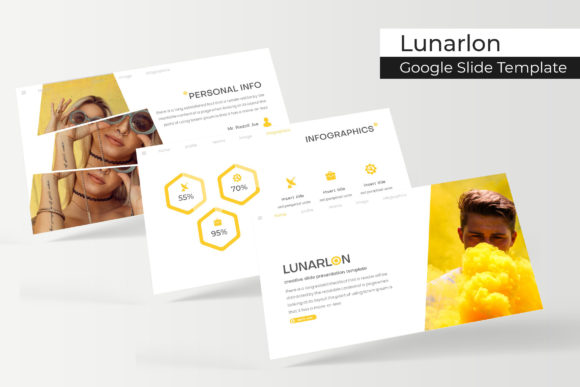
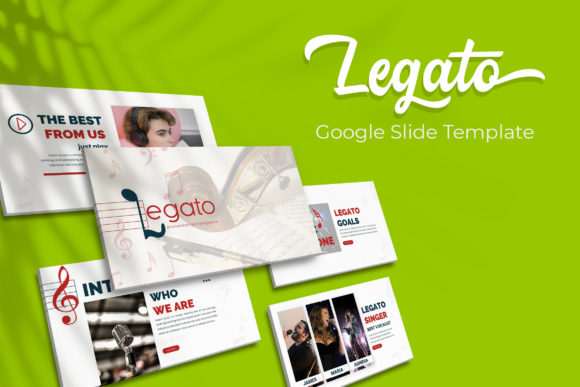
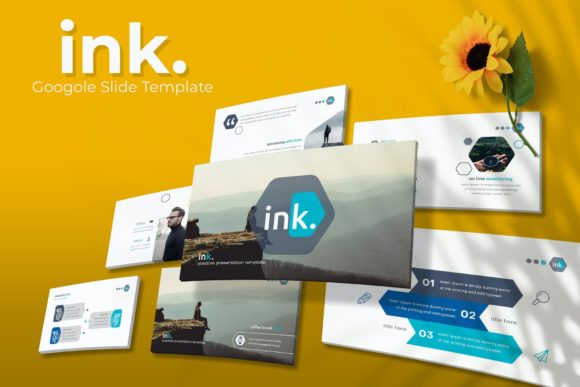
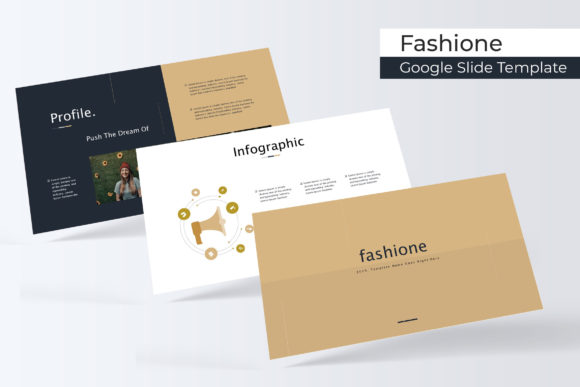
However, it's worth noting that the template does not include photographs or pictures. These are for illustration purposes only. Users will need to source their own images or use stock photography to complete their slides. This is a common limitation in many templates and should be considered when planning your presentation.
Enhancing Communication and Efficiency
Effective communication is key in any profession, and the Environ template helps users convey their message more clearly. By providing a structured and visually appealing format, it reduces the cognitive load on the audience, making it easier for them to follow along and retain information.
For example, a sales team using the Environ template can present product features in a logical sequence, supported by clear infographics and visuals. This not only improves the flow of the presentation but also increases the likelihood of closing a deal.
Supporting Creativity and Innovation
Creativity is often hindered by the time it takes to design slides from scratch. The Environ template streamlines this process, allowing users to focus on the content rather than the layout. This can lead to more innovative ideas and better storytelling in presentations.
Whether you're a designer, a teacher, or a business professional, having a reliable template can free up mental space for more strategic thinking. It’s a practical way to support creativity without sacrificing quality or efficiency.
Conclusion: A Smart Choice for Professional Presentations
The Environ Google Slide Template offers a powerful combination of design, flexibility, and functionality. Its wide range of features makes it a valuable tool for anyone looking to improve their presentation skills and deliver more impactful messages.
By choosing the right template, users can save time, enhance their communication, and present their ideas with confidence. Whether you're a seasoned presenter or just starting out, the Environ template is a smart choice that can help you achieve your goals.