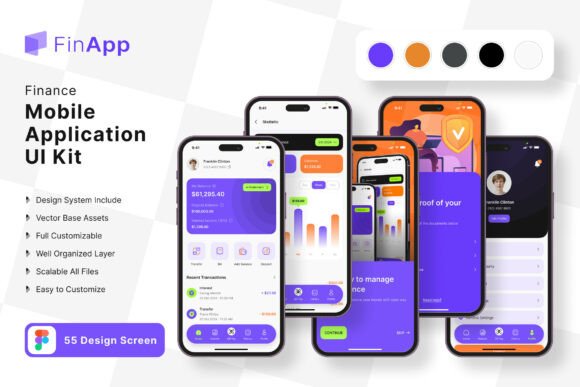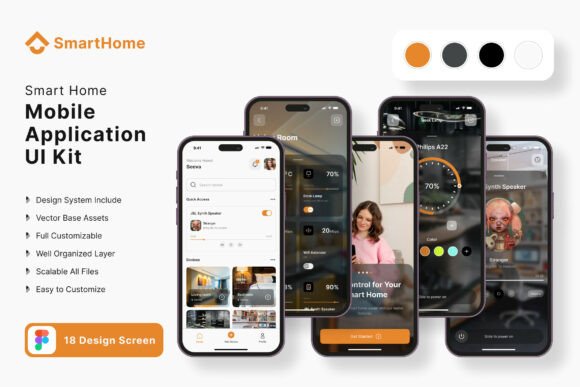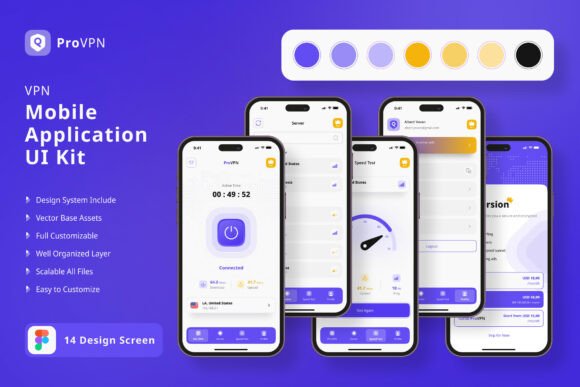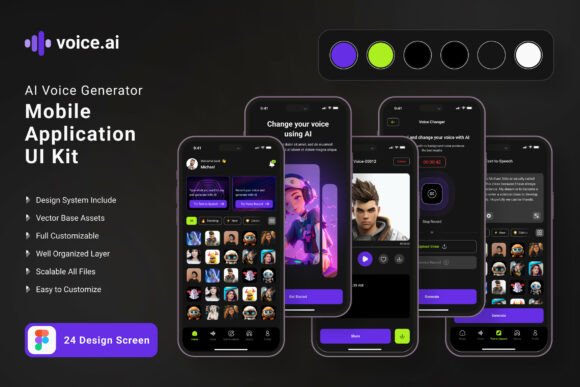
Food Delivery Application Mobile UI KIT
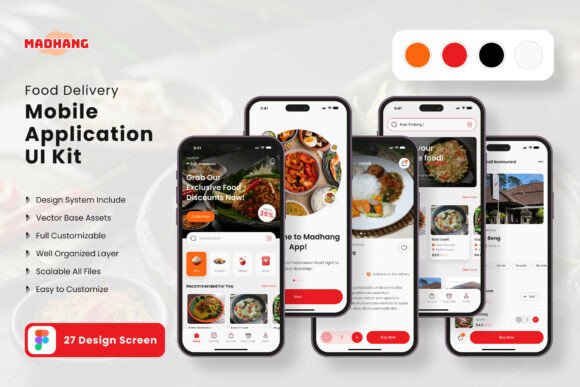
If you're looking to build a food delivery app, having access to a well-designed mobile UI kit can make all the difference. The Food Delivery Application Mobile UI KIT is a powerful tool that offers 27 high-quality templates, making it easier for developers and designers to create visually appealing and functional apps. This resource is ideal for anyone who wants to streamline their design process and focus on delivering a great user experience.
Whether you're a seasoned developer or just starting out, this UI kit provides a solid foundation to work from. With 27 pixel-perfect screen designs, you can quickly prototype different parts of your app without having to start from scratch. These templates are designed with real-world use cases in mind, ensuring that they align with common user interactions and navigation flows found in popular food delivery platforms.
Real-World Applications of the Food Delivery Application Mobile UI KIT
The Food Delivery Application Mobile UI KIT is particularly useful for startups and small businesses looking to launch a food delivery app without the need for extensive design resources. By using these pre-built templates, you can save time and money while still maintaining a professional look and feel. For example, a local restaurant owner wanting to offer online ordering can use the kit to create an intuitive interface that allows customers to browse menus, place orders, and track deliveries seamlessly.
Freelance designers and developers also benefit from this UI kit by being able to deliver projects faster. Instead of spending hours on basic layouts, they can focus on customizing elements to match their client's brand identity. This is especially valuable when working on multiple projects simultaneously, as the consistent design system ensures a cohesive user experience across different apps.
Customization and Flexibility
One of the key strengths of the Food Delivery Application Mobile UI KIT is its flexibility. With 80 UI elements, 100 vector layers, and symbol objects, you have the freedom to modify screens according to your specific needs. Whether you want to add a new feature or change the color scheme, the fully layered structure makes it easy to adjust without disrupting the overall design.
For instance, if you're targeting a younger audience, you might choose to incorporate more vibrant colors and playful typography. On the other hand, a more professional setting could call for a minimalist approach with clean lines and neutral tones. The ability to customize the UI ensures that your app can adapt to different market segments and user preferences.
Design Efficiency and Collaboration
Since the Food Delivery Application Mobile UI KIT is available in Figma, it supports seamless collaboration between designers and developers. Teams can work together in real-time, making it easier to iterate on designs and implement changes quickly. This is especially beneficial for remote teams or those working on tight deadlines.
The inclusion of free fonts and icon vectors further enhances the usability of the kit. You don't have to worry about licensing issues or additional costs when incorporating these elements into your app. Plus, the scalable vectors ensure that your designs look sharp on all device sizes, from smartphones to tablets.
Considerations Before Using the Food Delivery Application Mobile UI KIT
Before diving into the Food Delivery Application Mobile UI KIT, it's important to consider your project's specific requirements. While the templates provide a strong starting point, they may not cover every possible scenario. For example, if your app includes unique features like live chat or real-time order updates, you may need to add custom components beyond what's included in the kit.
Another consideration is the level of design expertise required. While the UI kit simplifies the process, some customization may still be necessary. If you're not familiar with Figma or UI/UX design principles, you might need to invest time in learning how to effectively use the tools provided.
Who Can Benefit from the Food Delivery Application Mobile UI KIT?
The Food Delivery Application Mobile UI KIT is suitable for a wide range of users. Entrepreneurs launching a food delivery service can use it to create a polished app that stands out in a competitive market. Designers looking to expand their portfolio can leverage the kit to showcase their skills and versatility. Even larger companies can benefit by using the UI kit as a reference for internal design systems or to speed up the development of internal tools.
Additionally, educators and students studying UI/UX design can use the kit as a practical resource for learning. By analyzing the structure and elements of the templates, they can gain insights into best practices for mobile app design. This hands-on approach helps bridge the gap between theory and real-world application.
Maximizing the Value of the Food Delivery Application Mobile UI KIT
To get the most out of the Food Delivery Application Mobile UI KIT, it's essential to understand how each template can be adapted to fit your needs. For example, the checkout screen can be modified to include different payment options, while the menu browsing screen can be tailored to highlight specific dishes or promotions. Experimenting with different layouts and interactions can help you discover the best way to engage your target audience.
Moreover, keeping up with design trends can enhance the effectiveness of the UI kit. By staying informed about current user expectations and industry standards, you can ensure that your app remains relevant and competitive. Regularly updating your design based on user feedback and analytics is another way to maximize the value of the Food Delivery Application Mobile UI KIT over time.